

YOUR RACE. YOUR POINT OF VIEW.
On track.On stream.Your way.
The information you need behind the wheel. A broadcast with its own identity. Build your iRacing views with MonkeyOverlays.
01 / Behind the wheel
What shapes your next lap.
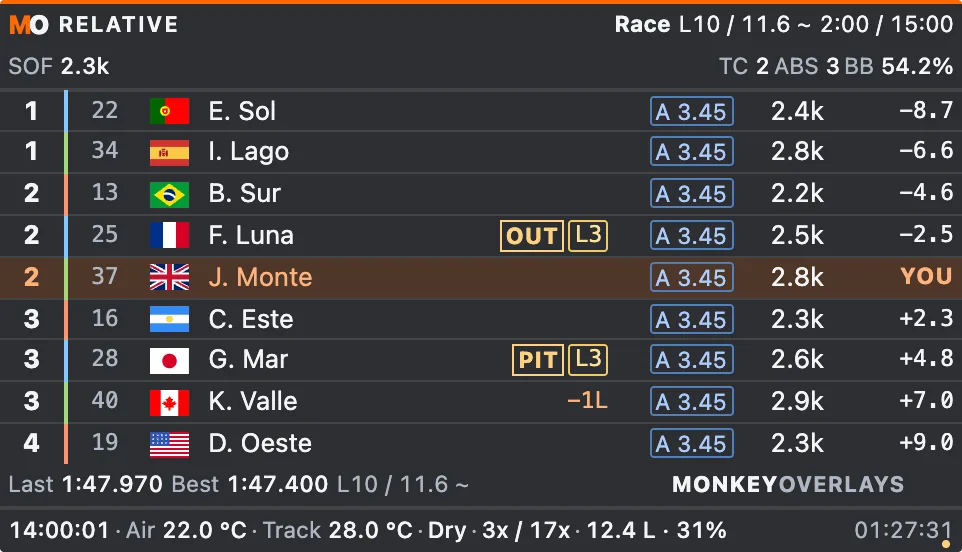
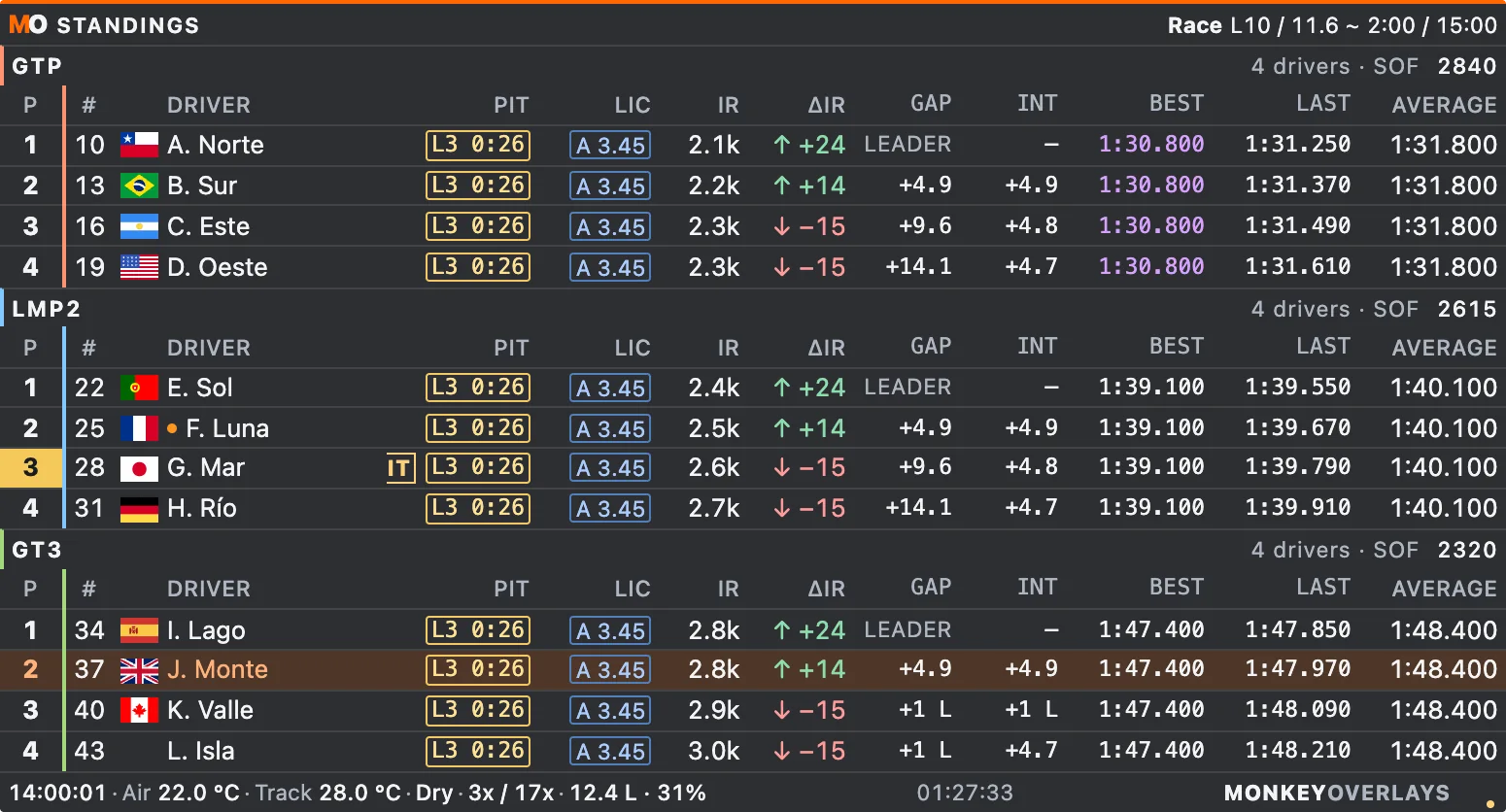
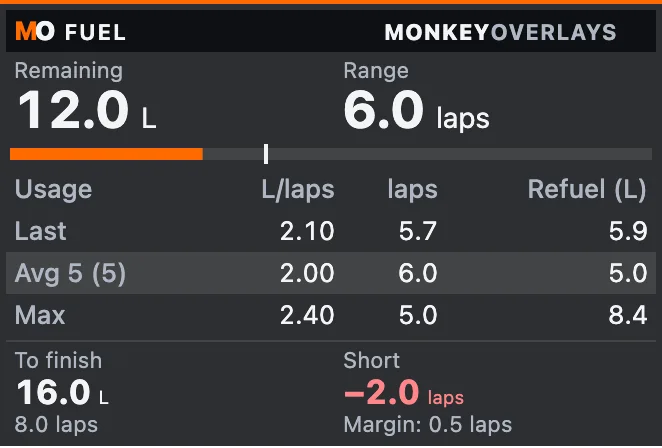
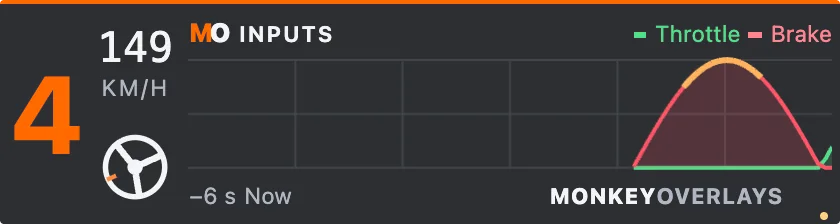
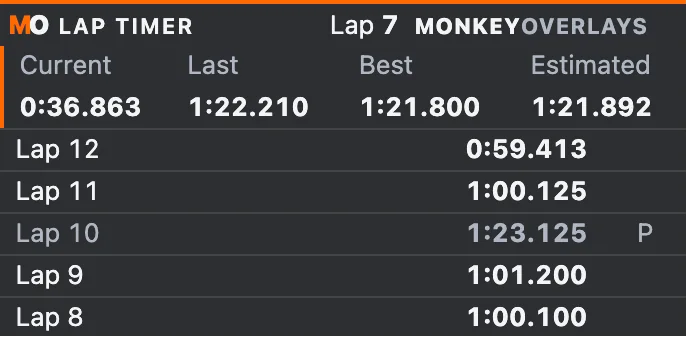
More than 50 widgets and a ready layout from the first start: Essential, Complete or one per session type. Then move them wherever you want.
02 / WI-FI
On your phone and tablet.
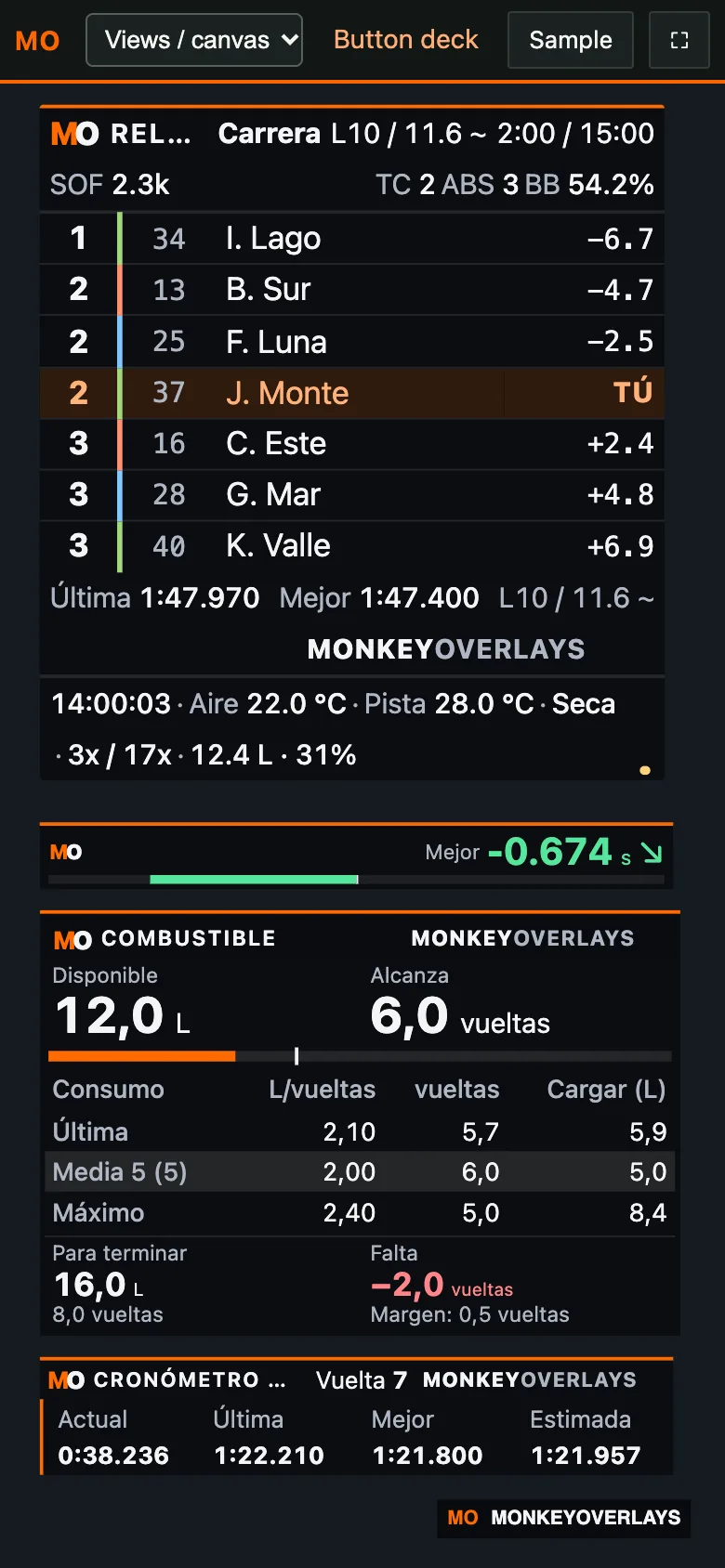
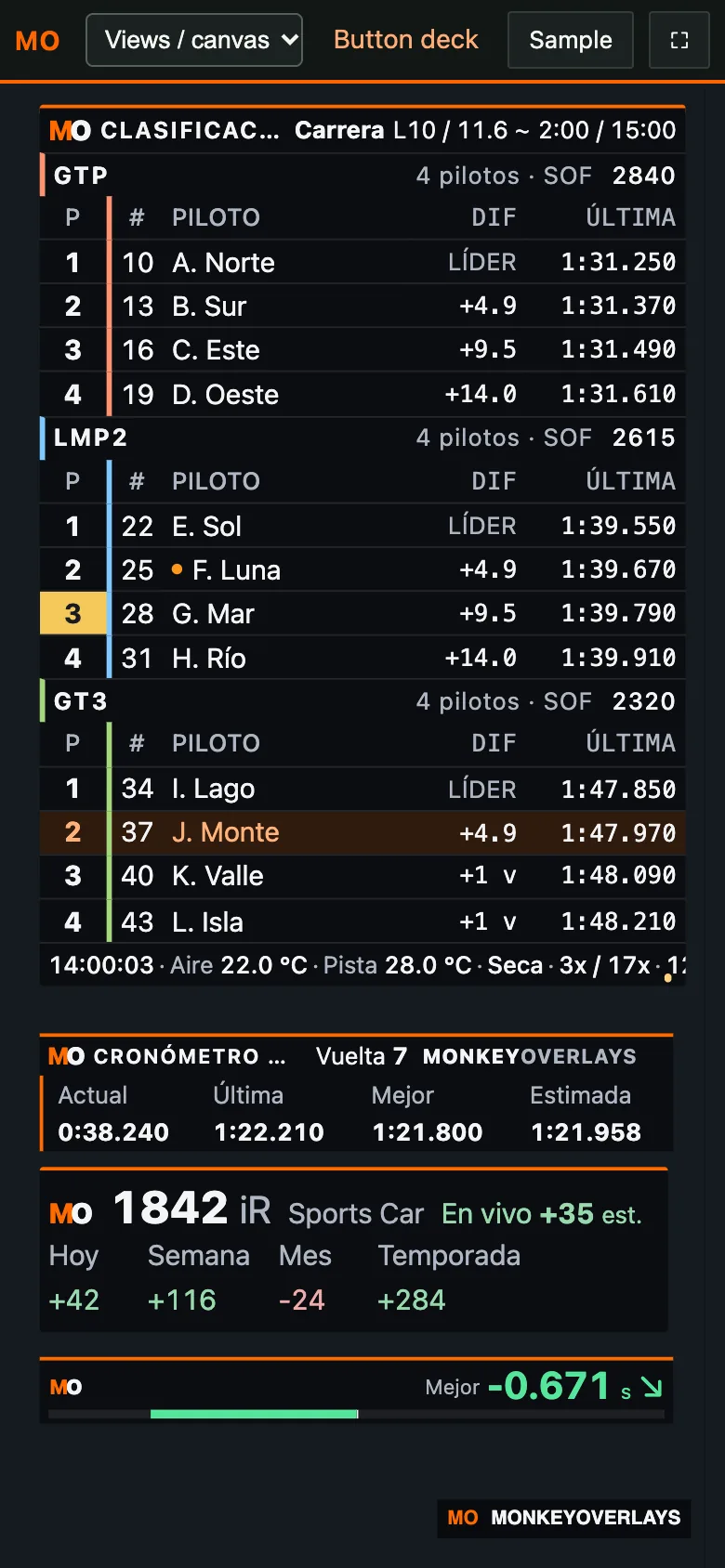
Your PC serves your widgets to any phone or tablet on your Wi-Fi network.
- Scan a QR code. Nothing to install on your phone.
- Dedicated canvases in phone and tablet sizes.
- The race center on your tablet, too.
- Optional remote control, with a PIN and panic button.
03 / iPAD
Your button deck, on your phone.
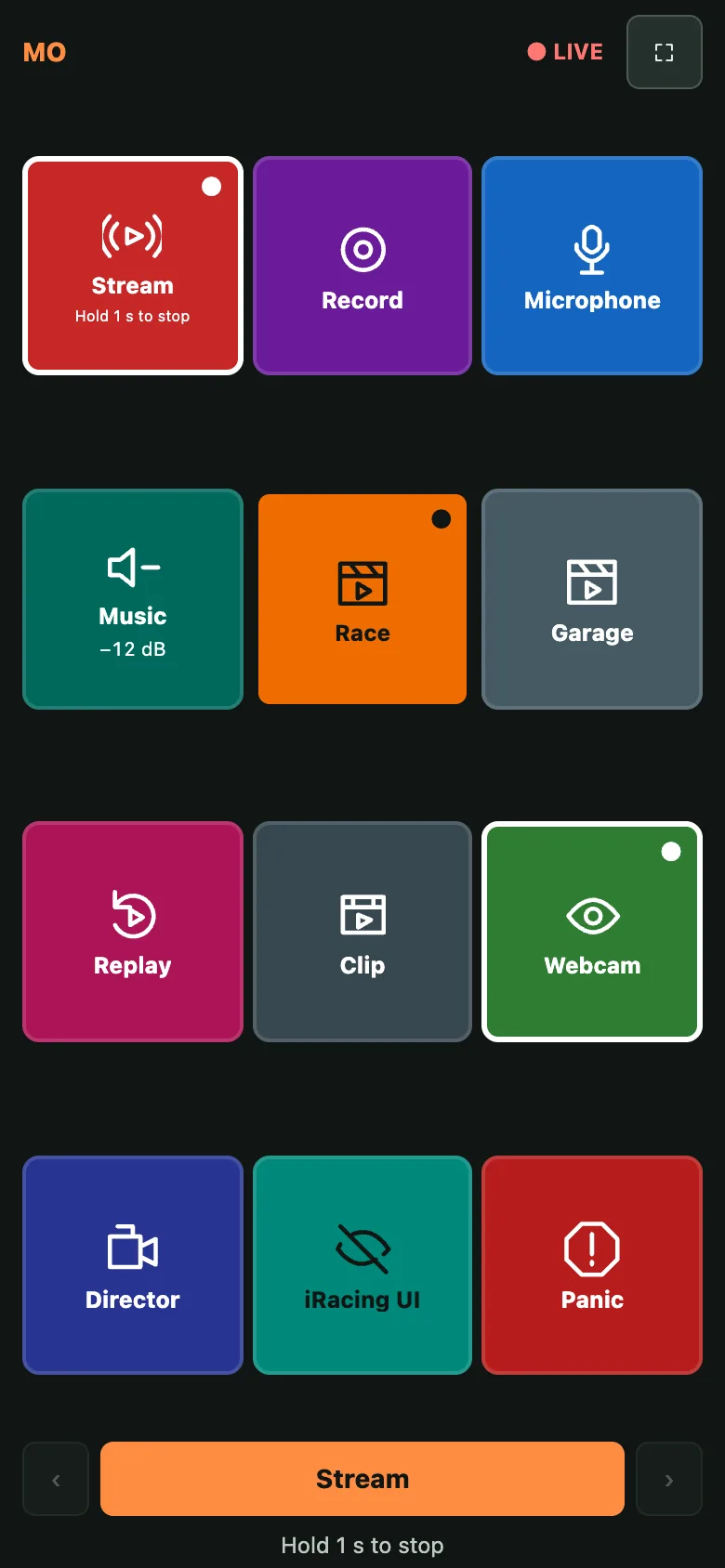
A button deck of your own for the phone or iPad, no hardware to buy: build the pages, pick images and colors, and each button tells you why it is unavailable.
- OBS stream, recording, microphone, volume, scenes and sources.
- Instant replay and clips with one tap.
- Panic, overlays, director and hiding iRacing's interface.
- Opens with a QR code, on your Wi-Fi network.
04 / INTERNET
Share a public link.
Follow your race over 4G or from another home. A temporary internet link through Cloudflare, free and with no account needed.
- No router ports to open.
- Only the widgets you choose, on a dedicated canvas.
- It never allows control of the app.
- The link changes every time you enable it.
05 / OBS
On stream.
Three canvases ready for OBS: Onboard, TV and Free. With OBS connected, the app switches scenes by itself, plays the instant replay and warns you about dropped frames or a muted microphone. Panic mode hides everything instantly.

06 / Race center.
Race center.
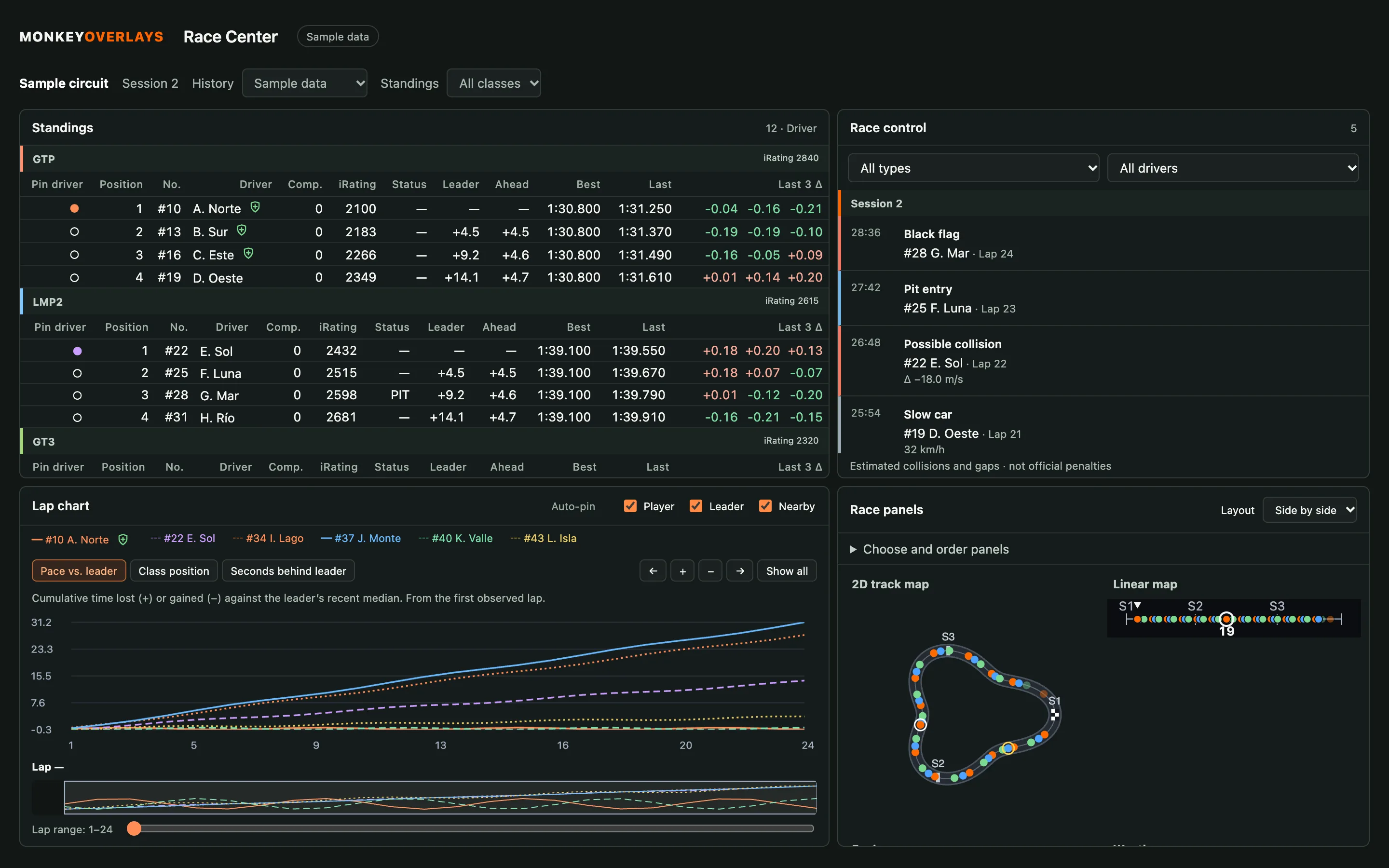
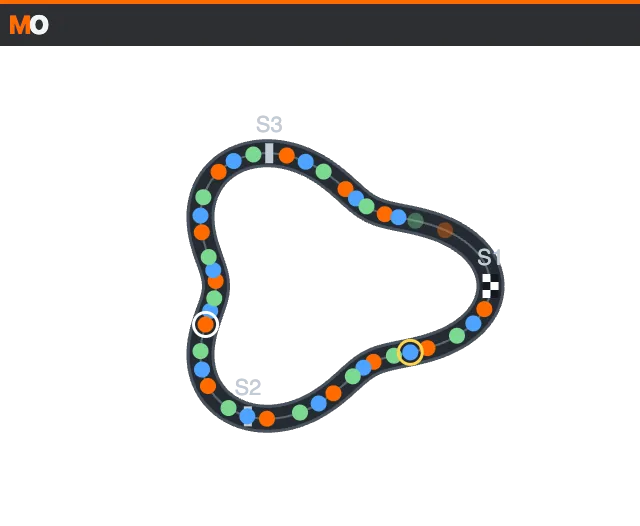
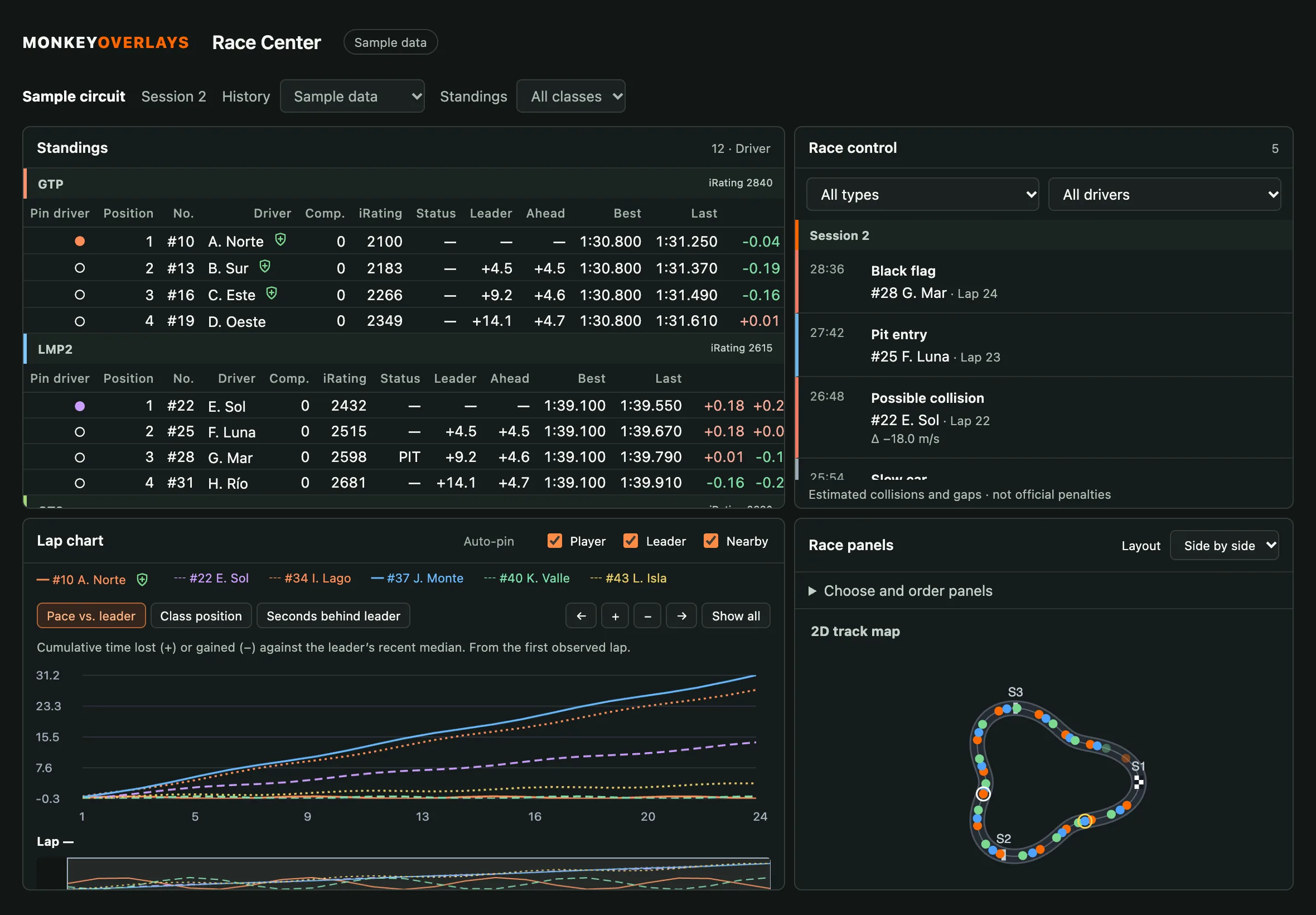
Standings, race control with estimated incidents, lap-by-lap progress and a 2D track map. A complete view of the action on track.
- Free
- No account
- Everything is processed on your PC
- Official iRacing shared memory. No injection
- Español, English, Português
EVERY VALUE HAS AN EXPLANATION
Know what you are looking at.
Widget options, formulas and the limits of estimates. All in Spanish, English and Brazilian Portuguese.