

Spotter
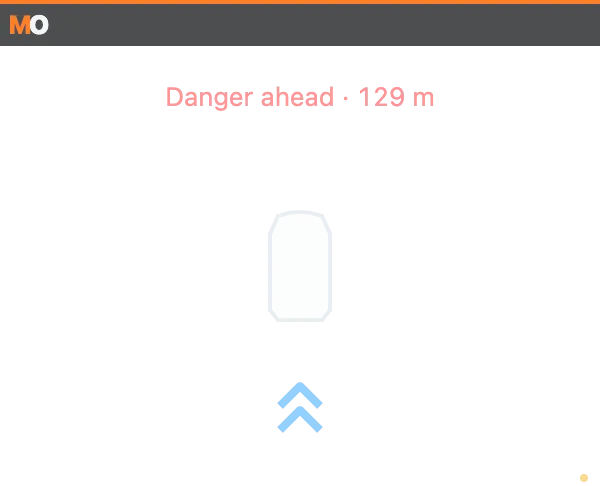
What it shows
Section titled “What it shows”Transparent radar by default, with panel and side-bar alternatives. Appears for occupancy, proximity or enabled warnings. Fast approach and danger-ahead warnings are both enabled by default.
URL options
Section titled “URL options”mode=radar|panel|bars; nearM=8 (0–50 m); clearFlash=0 disables the CLEAR flash. approach=0 disables fast approach; closingSpeedKph=18 sets minimum closing speed (18–180 km/h). danger=0 disables danger ahead; dangerDistanceM=500 sets its range (50–1000 m).
Calculations and limits
Section titled “Calculations and limits”Bars fill by estimated overlap, anchored forward or rearward. A dashed outline means unknown geometry; ×2 means two cars on that side. SDK occupancy establishes the side, but not which car occupies it. Track progress estimates longitudinal distance; there are no lateral coordinates. Only transform and opacity animate, respecting reduced motion.
Spotter subscribes at 30 Hz and reuses traffic at 20 Hz for danger ahead. Hides on telemetry/socket loss, in pits and outside the car.
http://127.0.0.1:8745/w/spotter?lang=enMaximum subscription: 30 Hz + traffic 20 Hz.
Privacy
Section titled “Privacy”No names or account IDs are published. Data is processed on the PC.