

Webcam border
What it shows
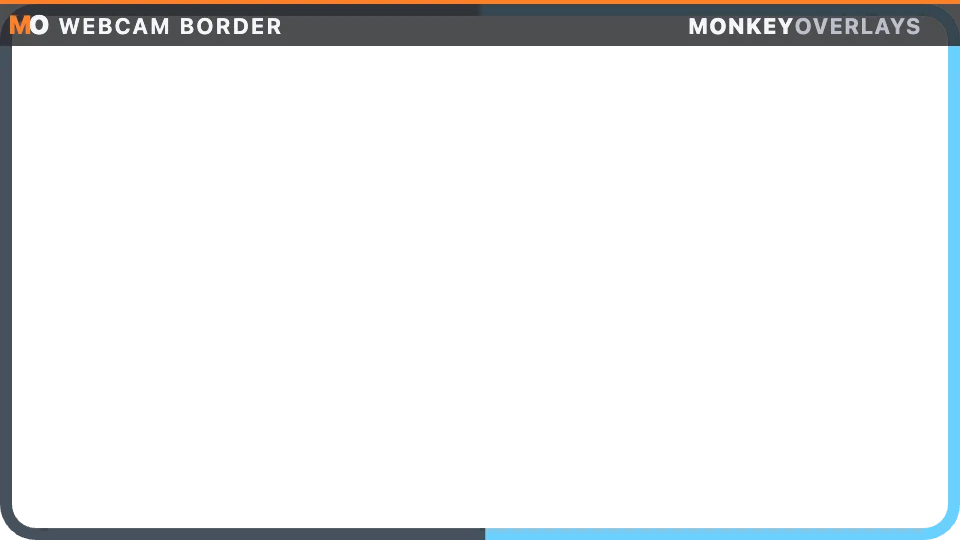
Section titled “What it shows”A frame around your webcam with a transparent center, so the camera sits underneath it in OBS. The border fills according to the chosen mode and flashes with race events.
http://127.0.0.1:8745/w/webcam-border?lang=enMaximum subscription: that of the chosen mode’s topic (up to 60 Hz for RPM or pedals).
URL options
Section titled “URL options”mode= picks what runs around the frame: speed, rpm (with a shift strobe), lap, race, incidents, position, fuel, pedals, delta, g or map (every car around the frame). w= and h= set the outer size in pixels, thickness= the width and radius= the corners. flash=0 turns flashes off. It can also be set from the canvas item.
Calculations and limits
Section titled “Calculations and limits”Progress runs clockwise around the perimeter from the top-left corner. Each mode only uses existing topics: speed and G from the focus car, RPM and shift from the shift lights, lap and race from the standings, incidents against the session limit, fuel left, pedals, the native delta and the linear map for positions. It flashes on the green, white and checkered flags, the fastest lap and incidents. It is drawn on a canvas and only when something changes.
Privacy
Section titled “Privacy”It uses player or session data without publishing personal identity. Processing is local. If you capture the overlay in OBS, its visible values become part of your stream.